The number on Dripify’s homepage and the number on your card statement are rarely the same. That’s not a Dripify-specific problem; most LinkedIn automation tools advertise an annual, single-seat, entry-tier rate as “the price,” and Dripify pricing follows the same pattern. This breaks down what each tier actually includes, where the real costs hide, and whether Dripify pricing still makes sense for your team in 2026.
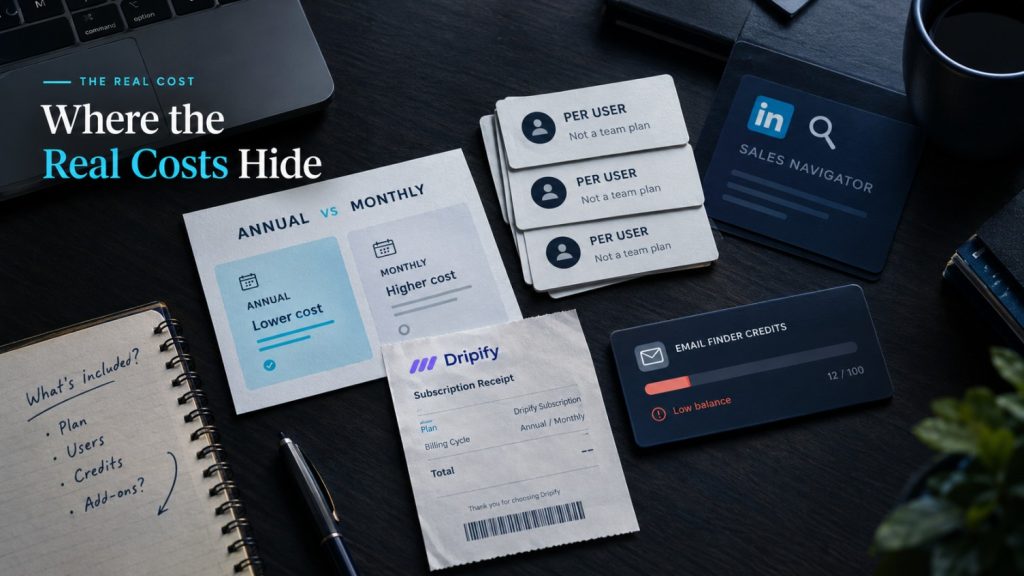
Table of Contents
Dripify Pricing Plans at a Glance
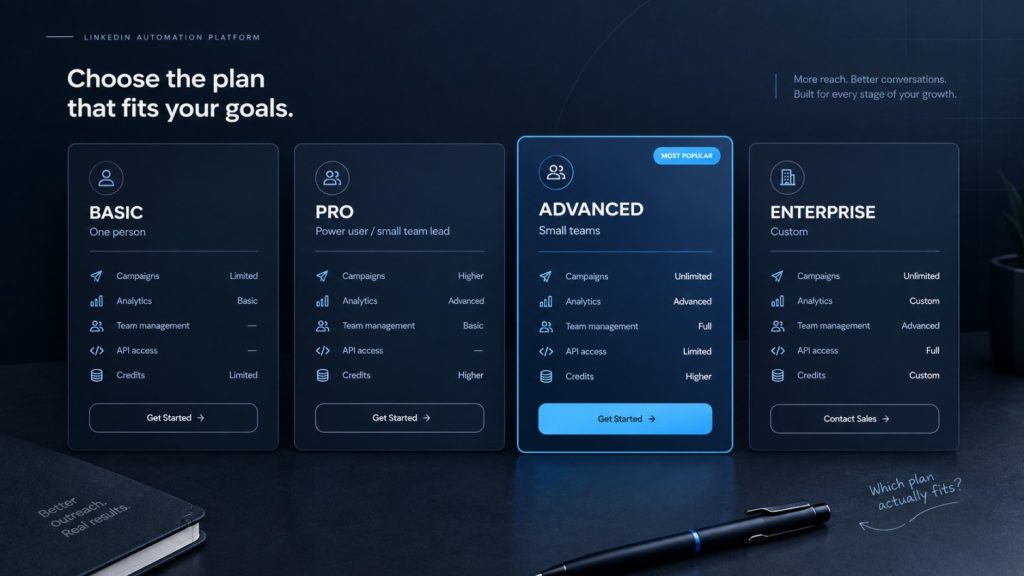
Dripify’s pricing page lists four tiers: Basic, Pro, Advanced, and a custom-quoted Enterprise plan. Each tier is priced per user per month, billed annually by default, with a materially higher rate if you pay monthly instead.
Dripify also offers a 7-day free trial with no credit card required, according to its pricing page. That trial window is short compared to some competitors: HeyReach and We-Connect both offer 14-day trials, per their own pricing pages, giving you roughly double the time to test a real campaign before deciding.
Three Things Dripify Pricing Doesn’t Show You Upfront
| Plan | Monthly (per user/mo) | Annual (per user/mo) | Who it’s for | What’s included |
| Basic | $59 | $39 | One person, one active campaign | Core sequences, shared inbox, basic analytics |
| Pro | $79 | $59 | A single power user or small team lead | Higher campaign limits, more email finder credits |
| Advanced | $99 | $79 | Small teams needing oversight | Team management, API access, higher credit allotment |
| Enterprise | Custom | Custom | Larger orgs with custom needs | Custom terms, priced by quote |
It’s the annual-billing rate, on the entry tier, for one seat. Monthly billing runs meaningfully higher across every tier, and Dripify’s own pricing page shows a consistent gap between monthly and annual rates on Basic, Pro, and Advanced. If you’re testing before committing to annual billing, budget for the monthly rate, not the homepage number.
It’s per user, not per team. Every additional teammate connecting a LinkedIn account pays the full per-seat rate again, based on Dripify’s published per-user pricing model. A five-person team on the Advanced tier pays five times the single-seat Advanced price, not a discounted team rate. This is the single biggest driver of cost creep as a team grows, and it’s the exact structural gap flat-fee, per-sender tools like SendCopy & HeyReach are positioned against.
Email finder credits run out fast. Paid plans include a monthly allotment of email finder credits, but teams doing any real LinkedIn-to-email enrichment typically burn through the included amount and need to buy top-up packs, according to Dripify’s pricing page. That’s a real, recurring line item that doesn’t show up in the headline price.
The Cost Dripify Pricing Doesn’t Mention at All: Sales Navigator
Advanced search filters for building targeted prospect lists effectively require LinkedIn Sales Navigator, an additional ~$99/month per LinkedIn account on top of whatever you’re paying for Dripify. This isn’t a Dripify-specific gap: HeyReach, Expandi, We-Connect, and nearly every LinkedIn automation tool assume you’re bringing your own Sales Navigator seat, and none of the advertised starting prices in this category include it. If you’re comparing Dripify pricing against a competitor’s homepage number, add roughly $99/month to both before deciding which is actually cheaper.
One more line-item worth checking at checkout: displayed prices are typically in USD, and VAT or regional tax can add to the effective monthly cost for buyers in the EU and other VAT-applicable regions. That’s standard across this category, not unique to Dripify, but it’s easy to miss when comparing a homepage number against a competitor’s.
Dripify’s Refund and Cancellation Policy
Annual plans carry a narrow refund window, typically 24 hours from purchase, which raises the stakes of committing before testing thoroughly on the free trial first. Some Trustpilot reviewers for Dripify have also reported continued charges after attempting to cancel; CheckThat.ai’s Dripify pricing breakdown attributes this to a billing module bug, a claim we haven’t independently verified and that Dripify has not confirmed publicly. Treat this as a handful of user reports rather than a confirmed, ongoing issue.
If cancellation flexibility matters to you, test the product fully during the 7-day trial and set a calendar reminder before any annual renewal date.
Before canceling, confirm you can export your lead lists and campaign history first. Automation tools generally don’t guarantee data portability once a subscription ends, and losing that history is a real switching cost on top of whatever refund you do or don’t get back.
Is Dripify Pricing Worth It in 2026?
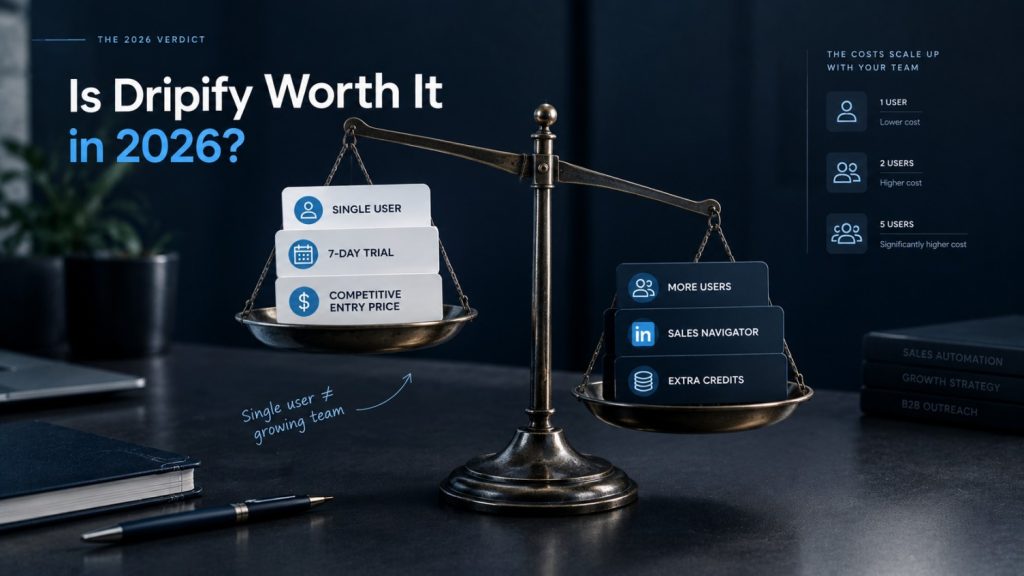
For a single user or a very small team running one or two focused campaigns, Dripify’s entry-tier pricing is genuinely competitive once you factor in the trial. It does not scale cleanly: because every seat pays full price with no team discount, and because Sales Navigator and email credits both add real monthly cost on top of the sticker price, a five-person team will pay noticeably more on Dripify than the same team would on a flat-fee, per-sender tool.
If you’re comparing Dripify pricing against the field before deciding whether to switch, see the full roundup of Dripify alternatives for how nine other tools price out against it, including which ones offer a genuinely free tier and which charge per sender instead of per seat.
Frequently Asked Questions
How much does Dripify cost per month?
Dripify’s Basic plan starts at $59/month & $39/month on annual billing, with Pro and Advanced tiers priced higher; monthly billing costs more than the annual rate on every tier.
Does Dripify have a free trial?
Yes. Dripify offers a 7-day free trial with no credit card required, according to its pricing page.
Does Dripify charge per seat or per team?
Per seat. Every teammate who connects a LinkedIn account pays the full tier price again; there’s no discounted team rate.
Do I need Sales Navigator to use Dripify?
Not strictly, but advanced search and list-building filters effectively require it. Budget an additional ~$99/month per account on top of Dripify’s price.
Is Dripify cheaper than HeyReach or Expandi?
It depends on team size. Dripify’s single-seat entry price is competitive, but its per-user model gets expensive faster than HeyReach’s flat per-sender pricing once you add teammates. Against Expandi, Dripify’s annual rate is close to Expandi’s higher tiers, but Expandi’s personalization add-ons (Hyperise, Sendspark) typically push its effective monthly cost above Dripify’s once you include them. See the full Dripify alternatives comparison for a normalized, side-by-side breakdown.
Can I get a refund if I cancel Dripify?
Annual plans have a narrow refund window, typically 24 hours from purchase. Test thoroughly during the free trial before committing to annual billing.
Want LinkedIn automation with sender rotation and account protection built into every plan, with no separate credit system to manage? Start a free SendCopy trial or book a demo to see current pricing.